Skip to content

Nextora / Team collaboration

Good work starts
with shared context.

This setup brings together
  • Team chat
  • Knowledge
  • Calendar
View setup
Team chat/chat
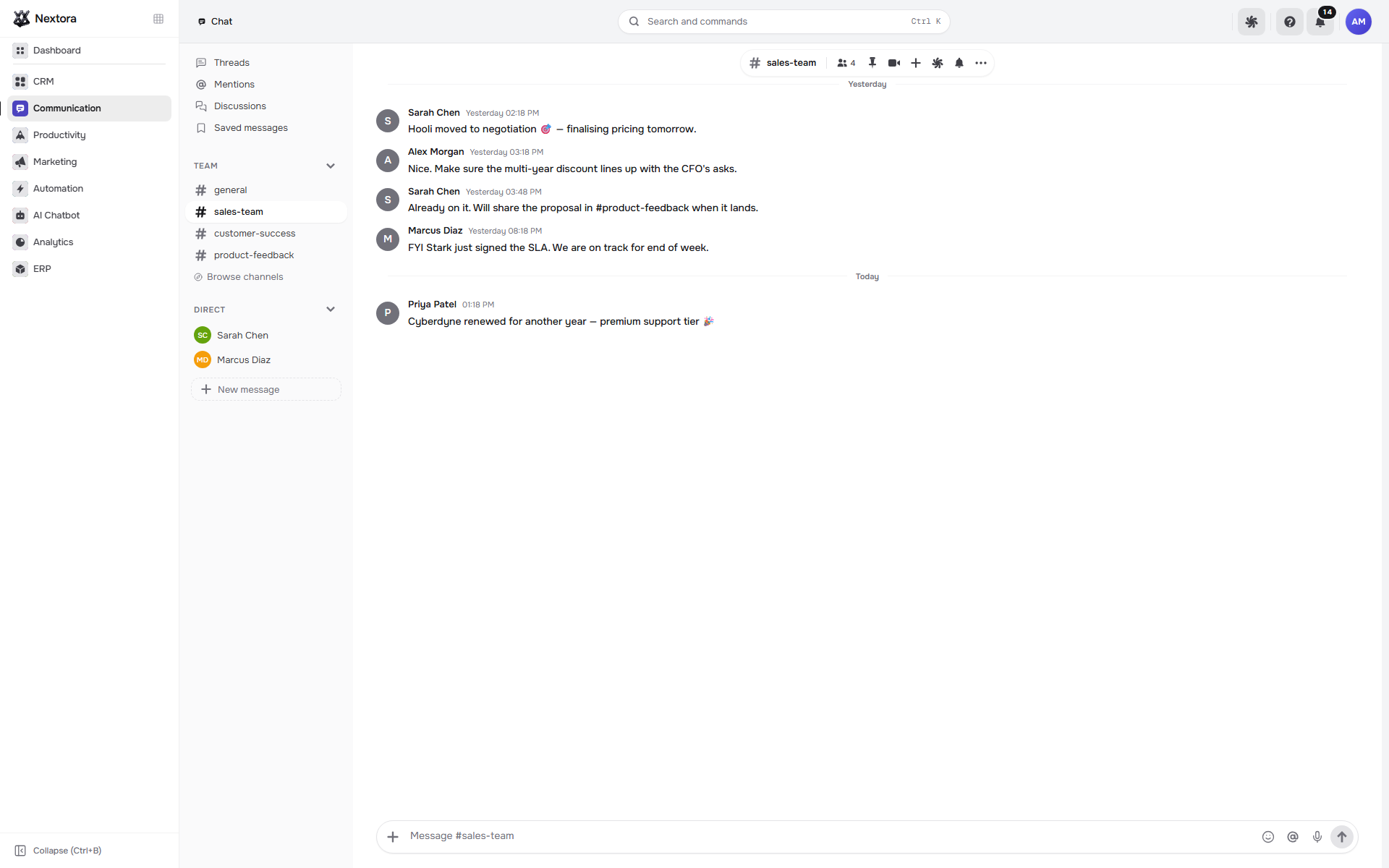
Nextora team chat with channels and a conversation thread
Team chat Product screenshot
Nextora team chat with channels and a conversation thread
Actual Nextora interface · demonstration workspaceTeam chat
Conversations with contextKnowledge that staysOne shared working day

The meeting ends.
Keep the useful part.

The brief gets asked for again. A decision is somewhere in chat. Give discussions, shared knowledge and the week’s plans a place your team can return to.

A shared place for the work
Brand illustration A shared place for the work
Talk it through

Give each discussion a place people can return to.

When unrelated topics share one stream, the person joining later has to reconstruct the conversation.

Organise internal discussions in channels, use threads for a specific question and direct messages for individual coordination.

  • Channels for focused team discussions
  • Threads and direct messages
Team chat/chat
Nextora team chat with channels and a conversation thread
Team chat Product screenshot
Nextora team chat with channels and a conversation thread
Actual Nextora interface · demonstration workspaceTeam chat

People have a clear place to follow the discussion and contribute the next decision.

Give the next teammate
a place to begin.

Keep the working agreements beside the brief. The next person can find the reference and return to the team channel with a specific question.

Explore the notebook editor
Keep the knowledge

Turn what the team knows into a working reference.

A useful answer should be available after the person who wrote it has moved on to other work.

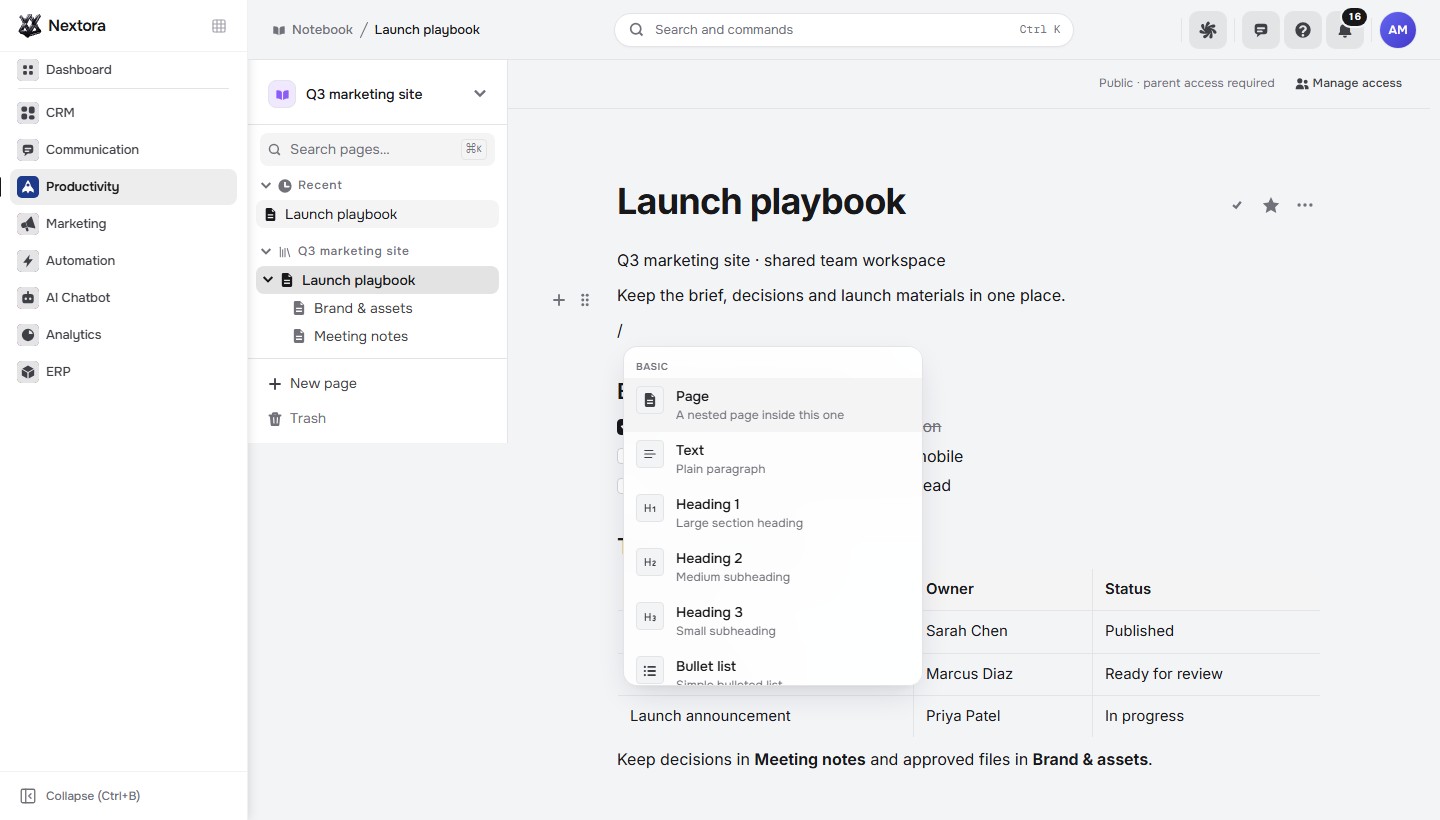
Write briefs, decisions and working agreements in notebook spaces and nested pages. Build the page with headings, checklists, tables and other blocks.

  • Spaces and nested pages for shared knowledge
  • Checklists and tables in the block editor
Notebook/notebook
Actual Nextora Notebook workspace with its page tree and open block insertion menu beside the Launch playbook content.
Notebook Product screenshot
Actual Nextora Notebook workspace with its page tree and open block insertion menu beside the Launch playbook content.
Actual notebook workspace · page tree and block editing · demonstration contentKnowledge

The next teammate can find a reference they can work from.

Think on a board

Give ideas enough room to connect.

A document can describe a plan without making its relationships easy to understand.

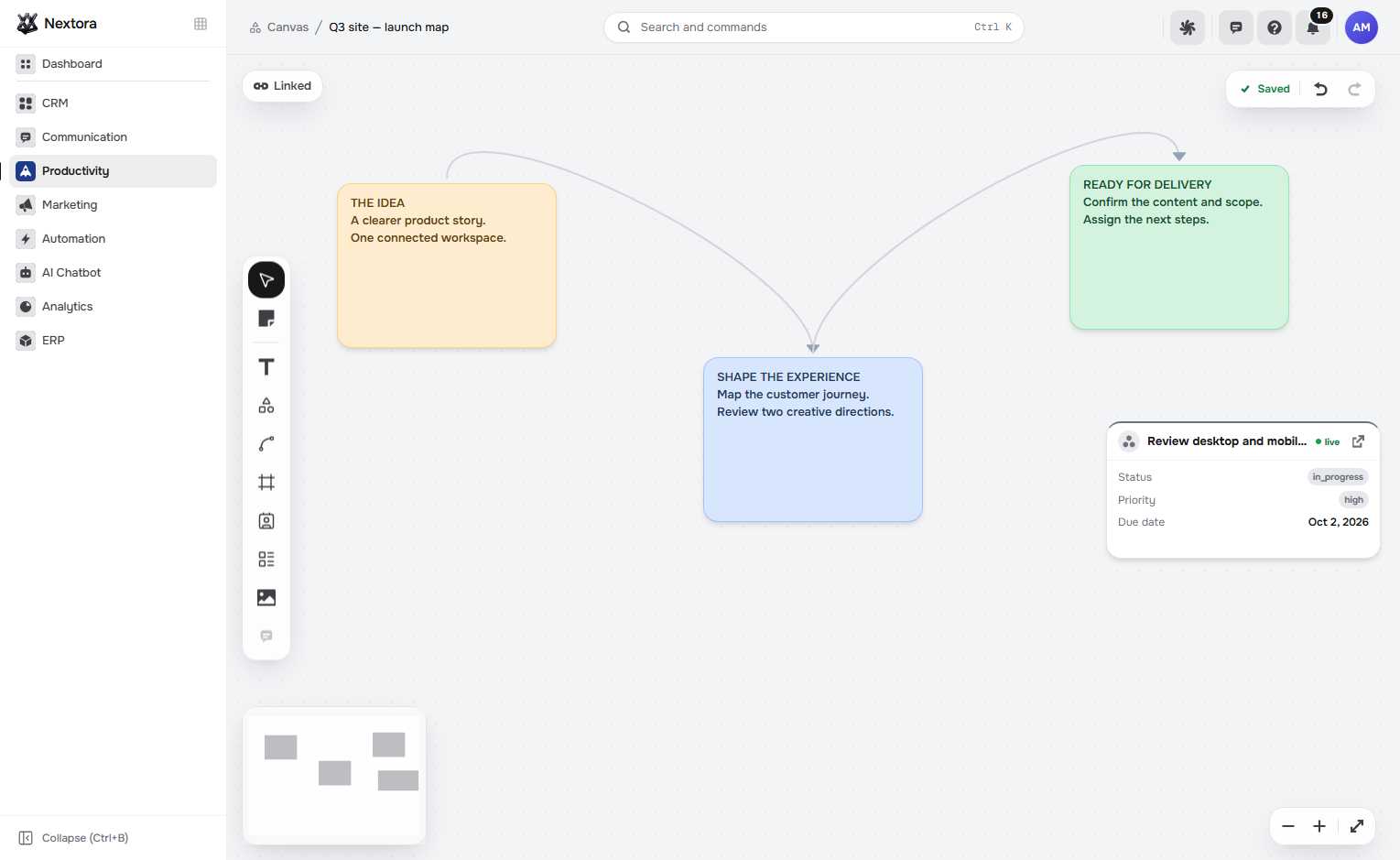
Arrange notes and connectors on the workspace canvas. When Projects is connected, a live project-task card can put the related work beside the idea.

  • An open board for notes and connections
  • Linked task cards with Projects
Canvas/canvas
Actual Nextora interface: Think together on an open board.
Canvas Product screenshot
Actual Nextora interface: Think together on an open board.
Actual canvas editor · demonstration notes and linked project taskWorkspace canvas · linked task shown with Projects

The team can discuss the visual plan and follow its connection to delivery.

Plan the day

Give the week a shared shape.

Team conversations still need time together, and the week already has commitments to consider.

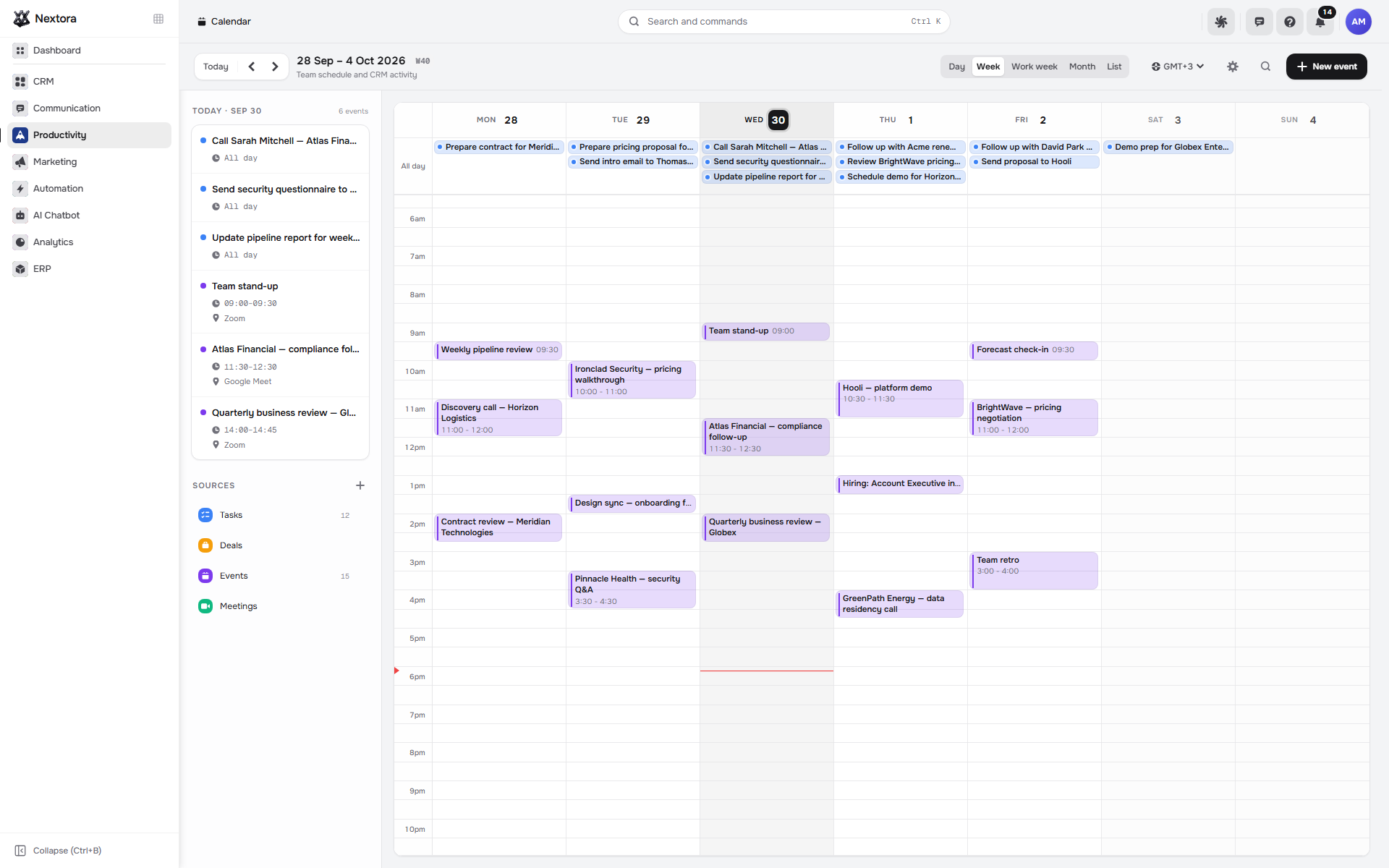
Plan meetings in Calendar and review the days ahead. Connect Tasks and CRM when task deadlines and deal dates belong in the same working view.

  • A shared calendar for meetings
  • Task and deal dates from connected modules
Calendar/calendar
Nextora calendar with a week of customer calls and team meetings
Calendar Product screenshot
Nextora calendar with a week of customer calls and team meetings
Actual Nextora interface · demonstration workspaceCalendar · task and deal dates shown with Tasks + CRM

The team can plan its next conversation with the relevant commitments in sight.

The tools behind the work

Built around the way you work.

Explore every feature ↗

Talk together · Chat

  • Team channels
  • Direct messages
  • Threads
  • Pinned & saved messages
  • Chat search
  • Record discussions · with the relevant module

Think & remember

  • Notebooks · Knowledge
  • Nested pages
  • Block editor
  • Files & embeds
  • Workspace canvases
  • Notes, shapes & connectors
  • Live work cards · with Tasks & Projects

Plan the day · Calendar

  • Shared calendar
  • Events & meetings
  • Task dates · with Tasks
  • Connected Google calendars
  • Meeting scheduler
  • Public booking pages
  • Notifications

A shared place to pick up the work.

Start with Team chat, Knowledge and Calendar. Use the workspace canvas to think through the plan together.

Connect the work behind the conversation

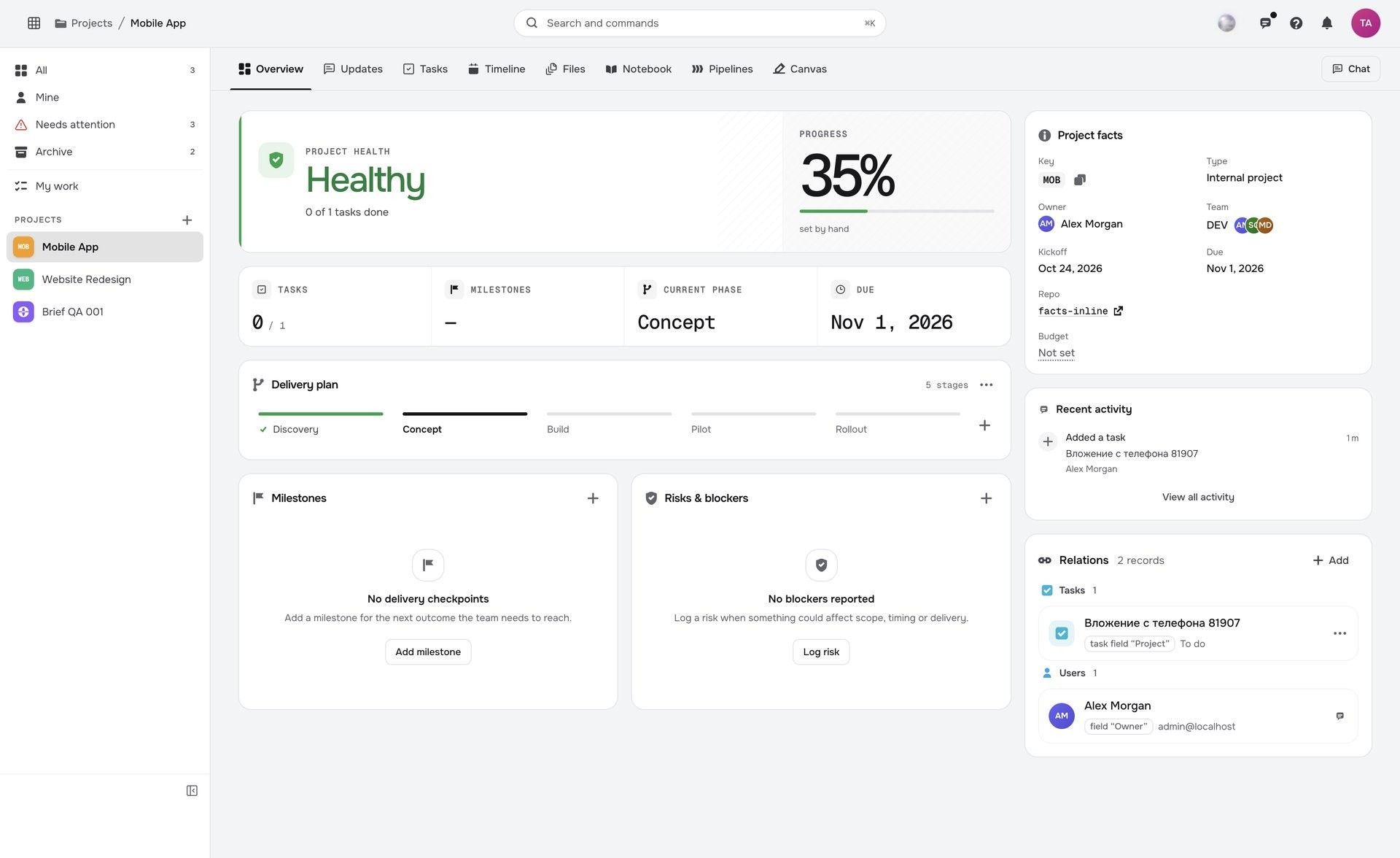
Projects adds delivery, milestones and client portals. Connect it to show a live project-task card on the canvas. Add Tasks and CRM to bring task deadlines and deal dates into Calendar.

Build your Teamwork workspace
Your Nextora setup

Give your team a home for the whole working day.

Start with Chat, Knowledge and Calendar. Connect Projects and Tasks when you want delivery plans and live work records beside the conversation.

A shared foundation

Contacts, companies and workspace access are part of every setup. CRM adds the sales layer.

The setup shown here.

Teamwork brings team chat, shared knowledge and scheduling together.

  • Team chat

    Internal channels, direct messages and threads.

  • Knowledge

    Notebooks and shared team knowledge.

  • Calendar

    Meetings, scheduling and booking pages.

Connect more when you need it
  • Projects · Tasks

    Bring live project cards, task dates and focused work into the day.

  • CRM

    Connect sales records and deal dates to the team’s working context.

Additional modules and access are agreed separately.

Discuss this setup

Private alpha · We’ll confirm the modules, connections and pricing for your workflow.

A few things to know.

Does Teamwork replace Projects?

They serve different needs. Teamwork is the home for daily communication, knowledge and planning. Projects organizes delivery through tasks, milestones, timelines and client hubs.

Is team chat separate from customer conversations?

Yes. Internal channels and record discussions are for colleagues. Customer enquiries, email and messenger replies belong in Conversations, linked to the relevant customer records.

Can we keep both visual plans and written knowledge?

Use workspace canvases for notes and connectors, and Knowledge for notebook spaces with nested pages, rich text, tables, files and embeds. Live task or project cards use the corresponding connected modules.

What makes up the Teamwork setup?

Chat, Knowledge and Calendar cover daily communication, shared knowledge and meetings. Projects and Tasks extend the setup with delivery plans, task boards and work deadlines.